Sure-QR guide
QR codes for WiFi
A printed password ages faster than the sign it is printed on. The trick is deciding, before you print, what happens the day the password changes.
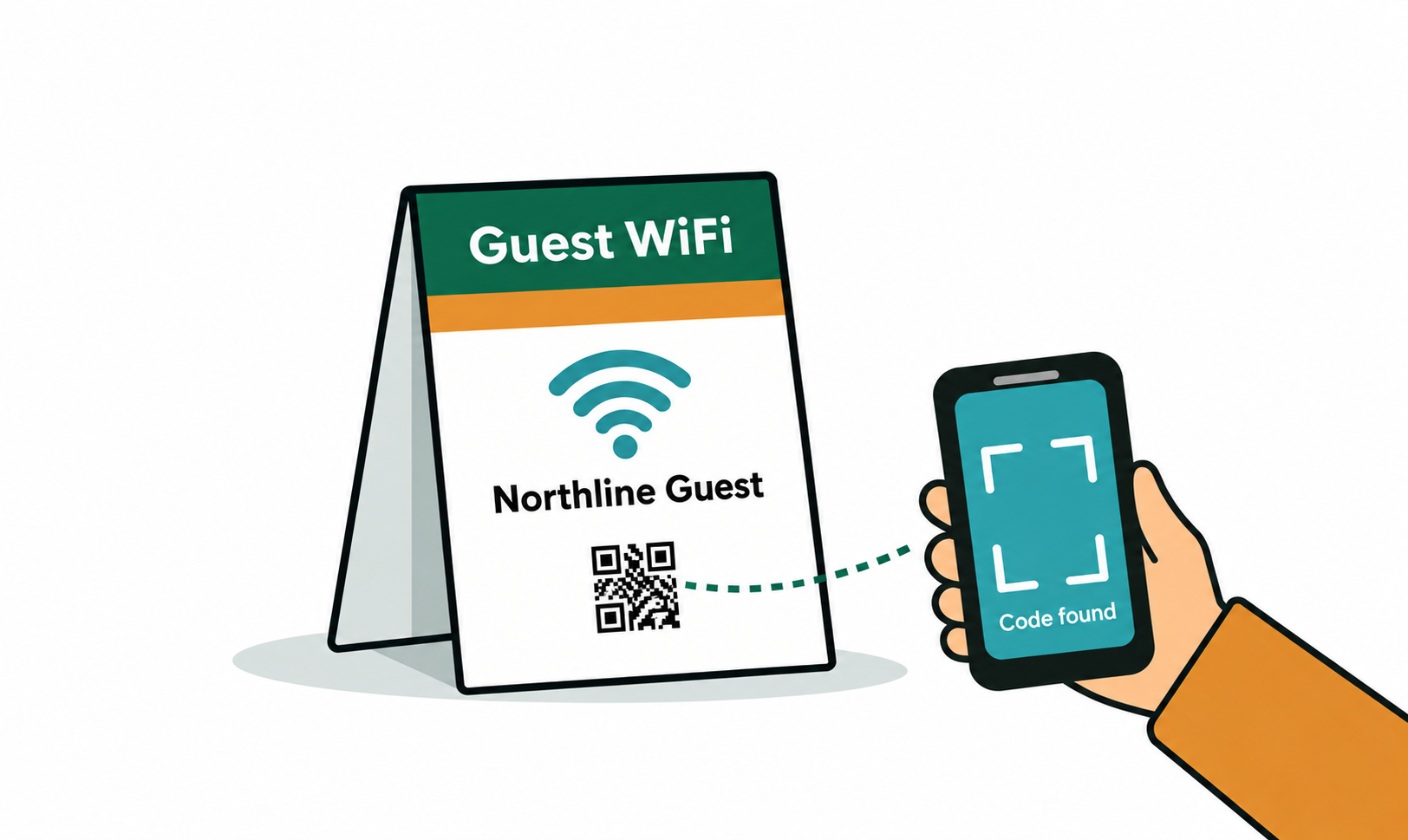
Why a printed WiFi code stops working
A WiFi QR code carries the network name, the security type and the password inside the pattern itself. That is what makes it work offline: the phone reads the code and joins the network without touching the internet, or us, at all.
It also means the password is frozen into every printed copy. Rotate the password after a staff change, swap the router, or let the internet provider push a new default, and every table tent, welcome card and reception sign is wrong on the same afternoon. Nobody reprints them that day, so guests go back to asking at the counter.
Passwords change more often than people plan for. Before printing anything, decide which of the two approaches below you actually want.
Static WiFi code or dynamic instructions page
A static WiFi code is the classic one. It joins the network directly, works with no signal, and is free and unlimited here with no account. It is the right choice when the password genuinely does not change — a home guest network, a shop that has used the same key for years.
A dynamic code cannot join a network. Dynamic codes work by redirecting a short web address, so they can only send a phone to a web page — that is an honest limit, not a missing feature.
What a dynamic code can do is point at a small "Guest WiFi" page of your own that shows the current network name and password, with a tap-to-join WiFi code displayed on it. When the password changes, you update that page — or repoint the code at a new one — and every printed sign keeps working. You also get a scan count, which tells you whether anyone uses the sign at all.
The trade-off: the guest needs some connectivity to load that page, so it suits venues where mobile data works. In a basement bar or a cabin with no coverage, print the static code.
Cafés and bars
A WiFi code on a table tent removes the most repeated question in the room. Put it where a seated guest looks: the table card, the back of the menu, or a small card at the counter — not a poster by the door that nobody reads once they sit down.
- Label it with the network name in plain text next to the code, so guests can still join manually if their camera app misbehaves.
- Keep the code at least 3cm square on a table card; smaller than that and older phone cameras struggle in low light.
- If you rotate the password seasonally, use the dynamic instructions page — reprinting table tents four times a year costs more than a subscription.
- Resist stacking WiFi, menu and review links onto one code. One code, one job. Print them as separate codes in a row with labels.
Airbnbs and guest houses
Guests arrive tired, often with foreign SIMs and no data plan, and the password is a 24-character string on the back of a router in a cupboard. A WiFi code on the welcome card is one of the highest-value five-minute jobs in short-term rental.
Print it on the welcome card and put a second copy inside a kitchen cupboard door or next to the TV, where people look when something stops working. Because arriving guests may have no mobile data at all, a static WiFi code is usually the right call in a rental — it works before they are online.
If you keep a guest booklet or a house-manual page online, a dynamic code beside the static one is a good pairing: the static one joins the network, the dynamic one carries check-out times, bin days and the parking code, and you edit it whenever the house rules change.
Offices and meeting rooms
An office usually has a separate guest network precisely so visitors never touch the internal one. A printed code at reception and in each meeting room turns a security policy into something visitors can actually follow without asking IT.
Offices are also where passwords rotate on a schedule — quarterly, or whenever someone leaves. That is the case for the dynamic instructions page: IT updates one page, and the signs in six meeting rooms stay correct without a print run.
Never print a code for the internal staff network. A photographed sign is a shared password, and the code contains it in plain form for anyone who scans it.
Step by step
- Open the generator and choose the WiFi content type.
- Type the network name exactly as it is broadcast — WiFi names are case-sensitive, and a trailing space is the most common reason a code fails.
- Pick the security type (WPA/WPA2 for almost every modern router) and enter the password.
- Style it if you like: colour, module shape and your own logo. Adding a logo automatically raises error correction, so the code still scans.
- Download SVG for anything going to a printer and PNG for screens and proofs, then scan the actual printed card with both an iPhone and an Android phone before the full run.
- For the dynamic version instead: publish a short guest-WiFi page, switch the generator to Dynamic, paste that page's address, set a fallback address, and update the page whenever the password changes.
Frequently asked questions
- How do I make a QR code for my WiFi password?
- Open the generator, choose the WiFi content type, and enter the network name, security type and password. Download the image and print it. It is free, unlimited and needs no account.
- Is it safe to share my WiFi password as a QR code?
- The code contains the password in readable form, so anyone who scans or photographs the sign has it. That is fine for a guest network you are happy for visitors to use. Never print a code for an internal or staff network, and keep guest and internal networks separate.
- Does a WiFi QR code work on iPhone and Android?
- Yes. Both join the network straight from the built-in camera app on current versions. Older Android phones sometimes need a QR scanner app, which is why it is worth printing the network name next to the code as a fallback.
- What happens when the WiFi password changes?
- A static WiFi code becomes wrong the moment the password changes, and the printed sign has to be replaced. If you expect changes, point a dynamic code at a small guest-WiFi page instead: you update the page and every printed sign keeps working.
- Can a WiFi QR code be dynamic?
- Not in the strict sense. Joining a network requires the credentials inside the code, so that part is always static. A dynamic code can only redirect to a web address — so the dynamic approach is a code that opens a page showing the current connection details, which you can edit at any time.
- Do I need an account to make a WiFi QR code?
- No. Static WiFi codes are free, unlimited, and generated in your browser with no sign-up. An account is only needed if you want the dynamic instructions-page version, where the destination has to be stored somewhere you can edit it.