Sure-QR guide
QR codes for business cards
A business card is the one print job you cannot reissue. Whatever you encode today is in someone's wallet for years.
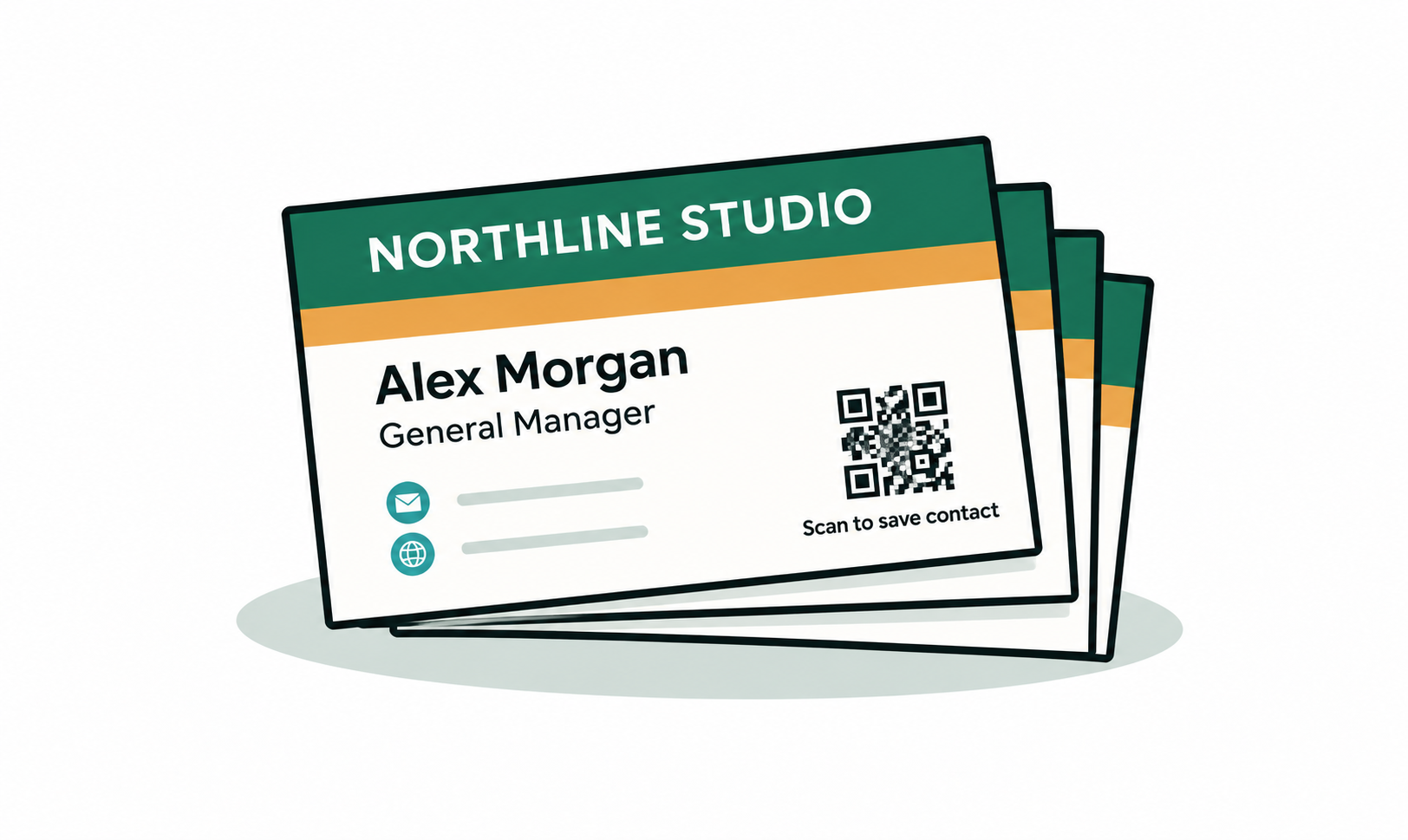
Contact card or link?
A contact card code saves your details straight into the phone's address book. It works with no internet, no server, and no subscription — the details are inside the image itself. That is the right choice if all you want is to be saved as a contact.
A link code is better when you want people to land somewhere you control: a portfolio, a booking page, a short profile. That destination will change over your career, which is exactly the case for a dynamic code.
Size and contrast on a small card
- 1.5cm to 2cm square is the practical floor on a standard 85 x 55mm card. Smaller than that and you are relying on a good camera and good light.
- Dark code on a light background reads best. Inverting it — light code on dark — fails on a surprising number of phones.
- Avoid printing over a photograph or texture. The scanner needs a clean edge between the pattern and the background.
- Matte stock beats gloss. Gloss throws a highlight straight back at the camera under office lighting.
What changes over the life of a card
Your job title, your employer, your portfolio host, and your booking tool will all change before the box of cards runs out. If the destination is baked into the print, every one of those changes breaks the card.
The honest version of this advice is that a dynamic code is worth paying for precisely because a business card outlives its own contents. A static contact card is free and permanent, but it cannot be edited after printing.
Frequently asked questions
- Will a contact card QR code work without internet?
- Yes. The name, phone number and email are encoded inside the image, so the phone reads them directly. Nothing is fetched and nothing is tracked — which is also why a contact card code can never report scans.
- What if I change jobs after printing?
- If you encoded a link with a dynamic code, sign in and change the destination — the printed cards keep working. If you encoded your details or a link statically, the card is fixed and would need reprinting.
- Can I put my logo in the middle?
- Yes. When you add a logo, Sure-QR automatically raises the error correction level so the code still reads with part of it covered. Keep the logo small and test the printed card before ordering a full run.
- Is there a minimum size for a business card code?
- About 1.5cm square, and only with good contrast and a clear quiet zone around it. If you have room for 2cm, use 2cm.