Sure-QR guide
QR codes for social media
A printed handle is a typing exercise; a code is one scan. The real question is what happens to the print run when the account, the handle or the platform changes.
Why printed handles underperform
An @handle on a package or a sign asks for four separate actions: unlock the phone, open the right app, type the handle without a typo, then pick the correct account from a list of look-alikes and impersonators. Most people do not get past the second step while standing in a shop.
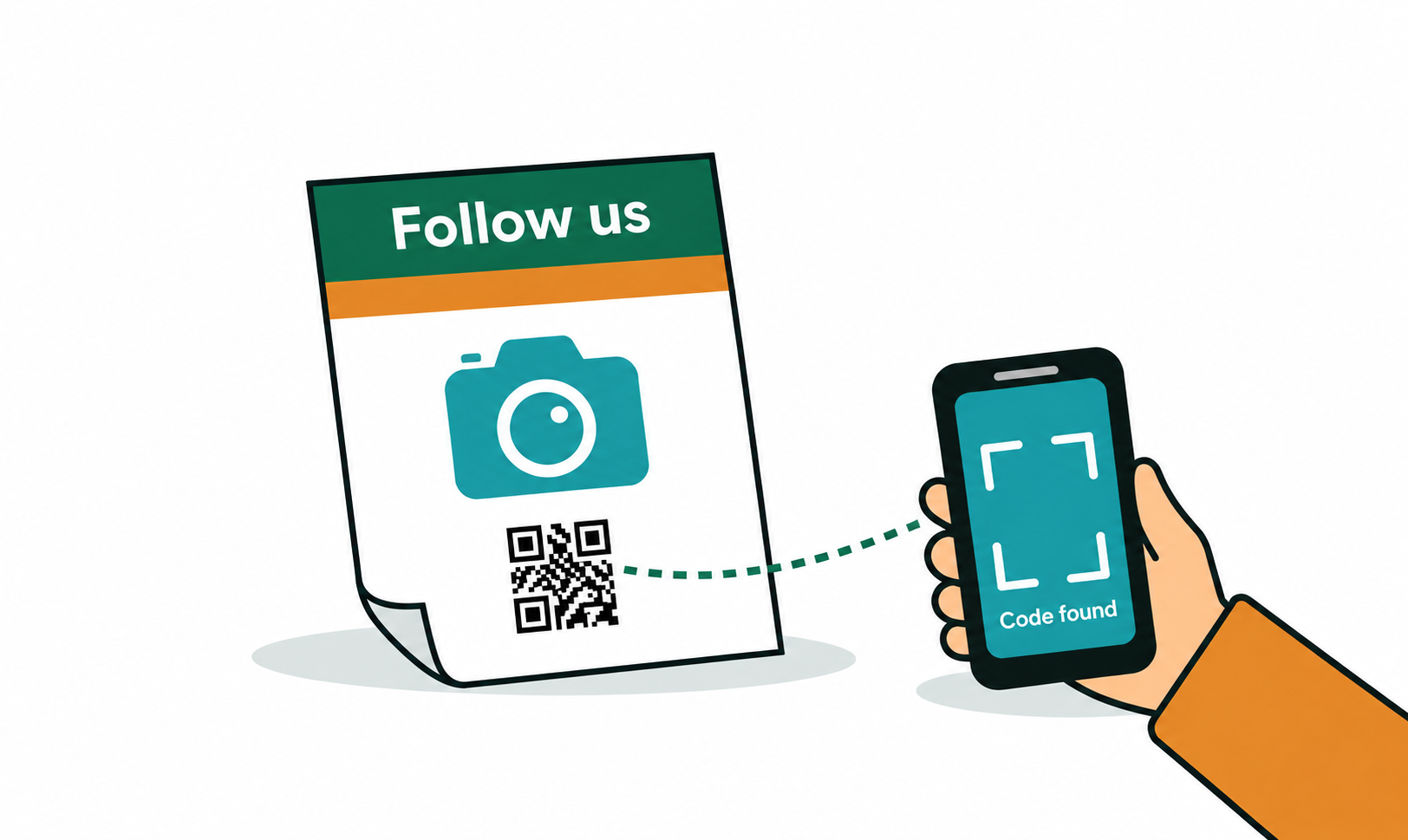
A QR code collapses all four into one scan that lands on the profile itself — the real one, with the follow button already on screen. That is the whole argument for printing a code instead of text.
Print the handle next to the code anyway. It tells people where the code goes before they scan it, and it still works for anyone who would rather search.
The part that breaks: handles and platforms move
Social accounts are the least stable destination a business prints. Handles get renamed after a rebrand, an agency hands the account back with a new name, a platform falls out of favour and the audience moves, or the account is replaced entirely and the old URL becomes a dead page — sometimes one that somebody else has since claimed.
A static code has that profile address frozen inside the pattern. When the handle changes, every printed box, sticker, card and receipt template is pointing at the wrong place, and the only fix is a reprint.
A dynamic code prints a short Sure-QR link instead. The profile address lives in your dashboard, so a rebrand is one edit: change the destination, and everything already printed keeps working. You also see how many people actually scan, which tells you whether the code on the packaging is earning its space.
Packaging
On a product, the code competes with everything else on the panel — so give people a reason to scan rather than a logo row. "See how it is made" or "Watch the 40-second unboxing" outperforms "Follow us" by a wide margin, because it promises something specific.
Inside the lid or on the back panel is usually better than the front. The person has already bought the product and opened it; that is the moment they are curious about who made it.
- One code per pack, pointing at one destination. A row of five platform codes gets ignored as decoration.
- Keep it at least 2cm square on a small pack, and away from folds, seams and curved surfaces.
- If you print several product lines, a dynamic code per line lets you send each one somewhere different later without new artwork.
Signage and window decals
A counter card, a window sticker or an A-board works because people are stationary and close. Size the code for the distance: roughly one centimetre of code for every ten centimetres between the reader and the sign, so a code read from a metre away wants about 10cm square.
Keep the contrast high and the quiet margin clean. A dark code on a light background scans from further away than any styled version, and a window decal is read through glass and glare.
One code, one job. If you also want reviews and a menu link, print them as separate labelled codes rather than sending everyone to a cluttered hub page.
Receipts and order slips
The receipt is the best-timed surface you have: the customer just bought something and is standing there holding it. A small code with "Tag us — we repost the best ones" gets scanned far more often than the same code on a poster by the door.
Thermal printing is the constraint. It is low-contrast, low-resolution, and fades with heat and time, so print the code larger than feels necessary, keep it pure black on white with no styling, and test on the actual printer roll before rolling it out to every till.
Business cards
On a card, pick the one profile that matters for the context — LinkedIn at a trade fair, Instagram at a craft market — rather than printing three codes on a card the size of a credit card.
This is a different job from a contact-card code. A vCard code drops your name, phone and email straight into the phone's address book and needs no internet; a social code opens a profile in an app. Many people print both, labelled, on the back of the card. The business cards guide covers the layout side in detail.
One code, many platforms
A QR code has exactly one destination — there is no honest way for one scan to follow you on four platforms at once. You have two real options.
Pick the account that actually matters. In most cases one platform carries the relationship and the others are maintained out of habit; sending everyone to the strong one beats splitting attention across a menu.
Or point a dynamic code at a simple links page you control, listing each profile. You keep one printed code forever, edit the page whenever a platform is added or dropped, and can repoint the code somewhere else entirely later.
Step by step
- Open the generator and pick the social preset for your platform, or choose Website and paste the profile address.
- Copy the profile URL from the app rather than typing it — handles with dots, underscores and capitals are easy to mistype, and a wrong one prints perfectly.
- For anything with a print run, switch to Dynamic instead: paste the profile address as the destination and set a fallback address you control, so the code has somewhere sensible to land in future.
- Style it if you like — colour, module shape and your logo in the centre. Adding a logo raises error correction automatically, so the code still scans.
- Download SVG for print and PNG for screens, then scan the real printed piece with an iPhone and an Android phone before the full run.
- Print the handle in plain text next to the code so people know where it goes.
Frequently asked questions
- How do I make a QR code for my Instagram or TikTok profile?
- Open the generator, choose the social preset for the platform, and paste your profile address. Download the image and print it. Static social codes are free, unlimited and need no account.
- Does a social media QR code work from the phone camera app?
- Yes. Both iPhone and Android read it from the built-in camera and open the profile — usually in the installed app, otherwise in the browser, where the app prompts for login or opens the web profile.
- Can one QR code link to several social platforms?
- Not directly — a code has one destination. Either choose the account that matters most, or point a dynamic code at a simple links page listing all your profiles, which you can edit whenever a platform is added or dropped.
- What happens to my printed codes if I change my handle?
- A static code keeps pointing at the old address, which usually becomes a dead page, so every printed piece has to be reprinted. A dynamic code is repointed in the dashboard in seconds, and everything already printed keeps working.
- Should a social media QR code be static or dynamic?
- Static is fine for a one-off flyer or an event you will never reprint. For packaging, signage, receipts or business cards — anything with a print run and a long life — use dynamic, because handles and platforms change more often than artwork gets updated.
- Do I need an account to make a social media QR code?
- No. Static codes are generated in your browser, free and unlimited, with no sign-up. An account is only needed for dynamic codes, where the destination is stored so you can change it later.