Sure-QR guide
QR codes for restaurant menus
A menu changes more often than the table it sits on. The code should outlive the dish list, the supplier, and the website you are using this year.
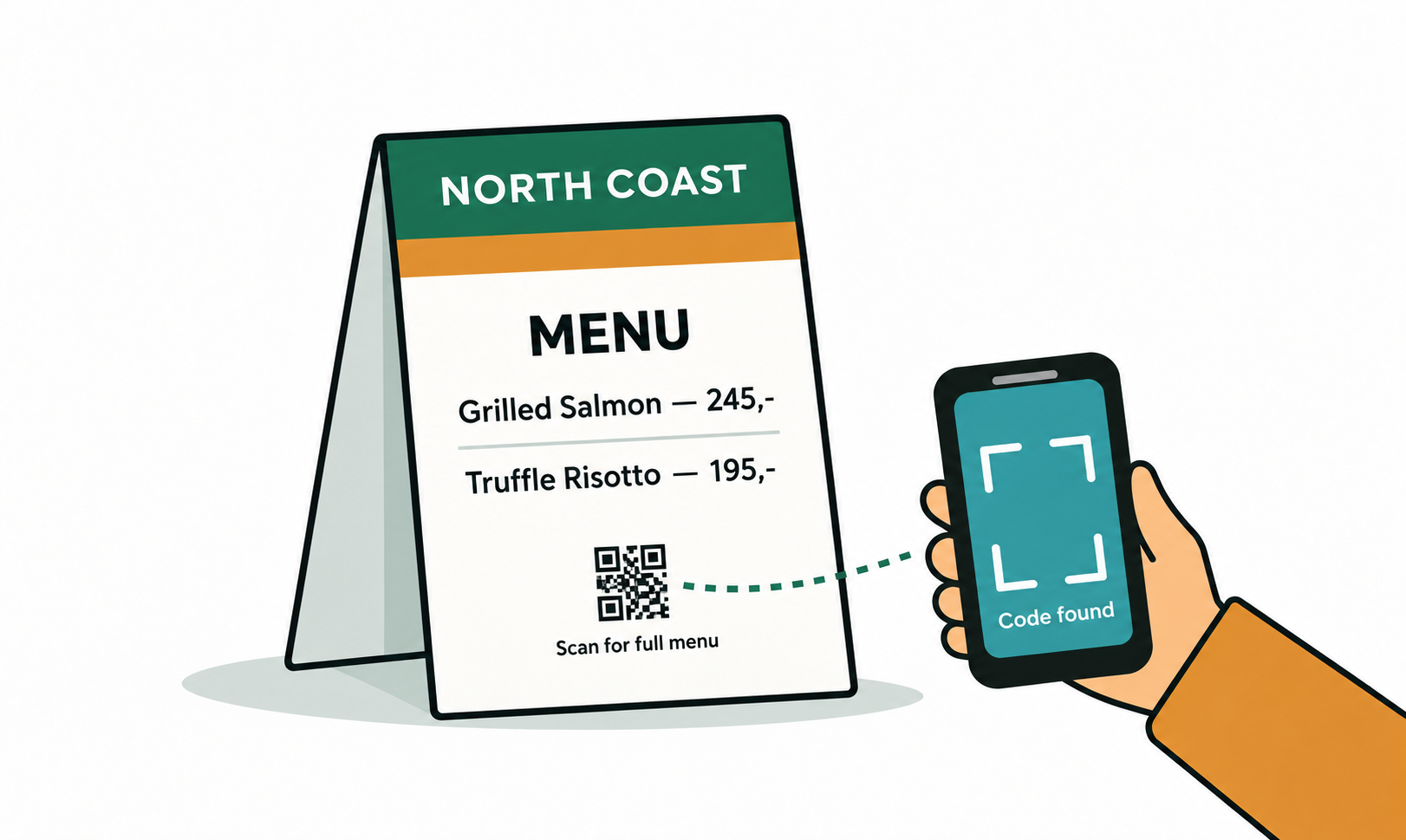
Print the code once, change the menu as often as you like
The mistake that costs money is encoding today's menu link directly into the print run. The moment your hosting moves, your PDF filename changes, or you switch to a new ordering system, every laminated card on every table is dead weight.
A dynamic code solves this because the printed image points at a short Sure-QR address, and that address points wherever you say. Change the destination at 4pm and the 5pm sitting scans through to the new menu. Nothing on the table changes.
Where to put it on the table
- Eye level beats flat on the table — a small standing card or a clip on the condiment caddy gets scanned more than a sticker guests have to lean over.
- One code per table, not one per seat. Guests pass a phone around; four codes look like clutter.
- Keep it away from the edge where glasses sweat. A water ring across the quiet zone will stop it reading.
- Print at 3cm square or larger for table use. Below roughly 2cm, older phone cameras start to struggle in dim dining-room light.
What to point it at
Point it at a page, not a download. A PDF that opens in a phone's viewer forces guests to pinch and scroll through an A4 layout. A simple web page with headings and prices reads far better on a 6-inch screen.
If a PDF is all you have, that is still fine — paste its address into the PDF link type in the generator. Just make sure whoever hosts it will not rename the file.
Why menus are the classic argument for a fallback
Restaurants close for refits, change owners, and go quiet for a season. If your QR subscription lapses during that gap, most generators either freeze the code on its last destination or hand your guests an error page or an advert.
Sure-QR asks you at the moment you create the code where scans should go if you ever stop paying. Point it at your own homepage, your booking page, or a neutral Sure-QR page that explains the code is no longer in service. Either way, a guest holding a phone over your table never sees a broken link.
Frequently asked questions
- Should a menu QR code be static or dynamic?
- Dynamic, almost always. A static code has the menu address baked into the image, so changing the menu location means reprinting every table card. A dynamic code lets you repoint it in seconds, and it is the only option that reports how many people actually scanned.
- How small can the code be on a table card?
- Aim for 3cm square and do not go below about 2cm. Dining rooms are dim, phones are held at arm's length, and both work against a small code. Keep a clear margin of roughly 10 to 15 percent of the code's width around all four sides.
- Do guests need an app to scan it?
- No. Every iPhone and Android camera released in the last several years reads QR codes from the standard camera app. You do not need to print instructions.
- Can I see how many people scanned the menu?
- Only with a dynamic code. A static code sends the phone straight to your menu without ever touching Sure-QR, so there is no scan to count. Dynamic codes pass through our redirect, which is what makes the count possible.