Sure-QR guide
QR codes for driving website traffic
Anything printed is fixed forever. The web page it points at is not. That gap is where most QR campaigns quietly die.
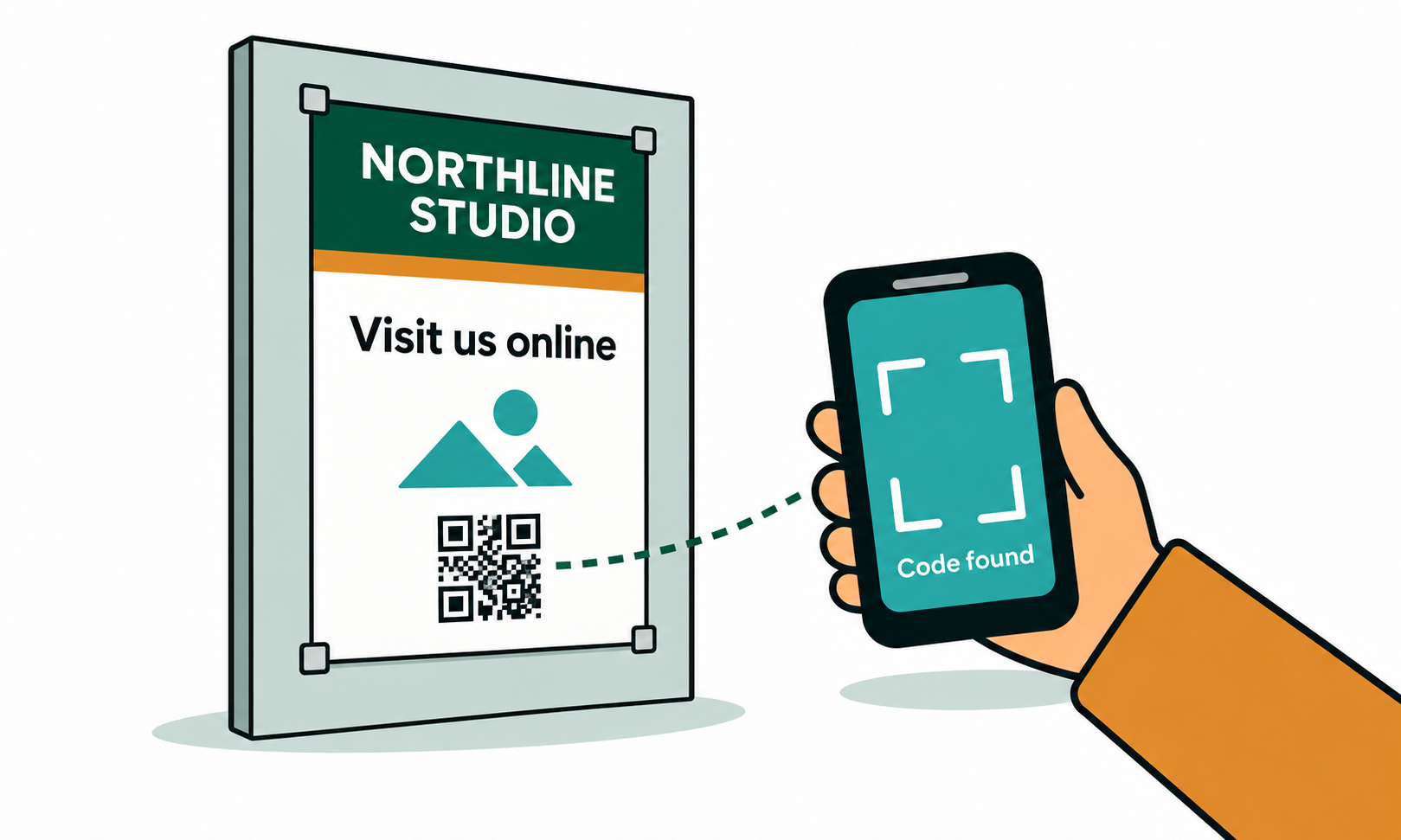
The problem with printing a web address into a code
A static code has the destination baked into the pattern. Print ten thousand flyers pointing at a campaign landing page, retire that page three months later, and every one of those flyers now leads to a 404 — or worse, to someone else's content once the address is reused.
The second problem is quieter: you have no idea whether it worked. A static code sends the phone straight to your site without touching us, so there is no scan to count. You can guess from analytics, but you cannot separate the poster from the flyer from the window sticker.
A dynamic code fixes both. The printed image points at a short Sure-QR address that you control, and you repoint it whenever the campaign, the page or the whole website changes.
Poster or print ad to a campaign landing page
A poster is scanned from a distance, usually by someone walking past who has a few seconds to decide. Two things decide whether it gets scanned at all: size and a reason.
- Size the code at roughly a tenth of the scanning distance. Three metres from a wall poster means about 30cm square.
- Put four words above it that say what happens: 'Scan for the September offer', not 'Scan me'. A labelled code gets scanned far more often than a bare one.
- Send it to the campaign page, not the homepage. Every extra tap after a scan loses people.
- When the campaign ends, repoint the same code at the follow-up offer or a relevant category page. The posters outlive the promotion whether you plan for it or not.
Shop window or door to your online store
A window code works hardest when the shop is shut. Someone stops outside at nine in the evening, scans, and buys the thing they were looking at through the glass. That only works if the destination is the product or category they can actually see, not a homepage they then have to search.
Watch the glass itself: reflections beat phone cameras. Position away from direct sun, and test at the times of day the street is busiest. If the code sits above head height, nobody can hold a camera square to it.
Give the window its own dynamic code rather than sharing one with your flyers. Same destination is fine — separate codes are what let you see that the window pulled 340 scans and the flyer pulled 12.
Mailed newsletter or flyer to a landing page
Direct mail is the clearest case for a dynamic code, because the moment the envelopes leave the building, nothing about them can be changed. If the landing page moves, gets renamed, or the offer sells out, a static code on that letter is finished.
With a dynamic code you can send the first wave to the offer, then repoint the same printed code to a waiting list once stock runs out, and later to the next season's page. The letter in someone's kitchen drawer still works six months on.
Use a separate code per mailing — spring letter, autumn letter — so the scan counts tell you which mailing actually paid for itself. Add campaign tracking in the generator and the visits show up labelled in your web analytics too.
Step by step
- Decide the destination first: the most specific page that answers what the printed piece promises.
- Open the generator, switch to Dynamic, and paste that web address. Dynamic codes are website-only, which is exactly what traffic campaigns need.
- Add campaign tracking (source and medium) so the traffic is identifiable in your analytics instead of landing in Direct.
- Set a fallback address — where scans should go if you ever stop paying. Your homepage is a sensible default; a dead link is not.
- Download PNG for digital proofs, SVG for anything a printer handles, and test the actual printed piece before the full run.
- Watch the scan count in your dashboard, and repoint the destination when the campaign ends rather than letting the code rot.
Frequently asked questions
- How do I make a QR code that links to my website?
- Open the generator, paste your web address, and download the image. That is free and needs no account. If you may ever want to change where it goes or count the scans, switch to Dynamic before you download.
- Should a website QR code be static or dynamic?
- Static is fine for a permanent address you will never change, like your homepage on a domain you own. Anything tied to a campaign, an offer or a specific landing page should be dynamic, so the print run outlives the page.
- Can I see how many people scanned my code?
- Only with a dynamic code. Scans pass through the Sure-QR short link, which is what makes counting possible. A static code sends the phone straight to your site, so there is nothing for us to count.
- Will the traffic show up in Google Analytics?
- Yes, but without campaign tracking it usually lands in Direct. Fill in the campaign fields in the generator and the visits arrive tagged, so you can separate poster traffic from flyer traffic.
- What happens to the code when the campaign ends?
- Repoint it. The printed image stays valid; you change the destination in your dashboard to the next offer or a relevant page. If you stop paying, scans go to the fallback address you chose rather than to an error page.
- Do I need an account to make a website QR code?
- Not for a static one — unlimited static codes are free with no sign-up. A dynamic code needs an account because the destination has to be stored somewhere you can edit it. The first dynamic code is free.